 GEX-CT Full Suiteby NQ TomBacktesterJournalIndicatorCohortPricingLog InStart Free TrialGEX-CT Full Suiteby NQ TomBacktesterJournalIndicatorCohortPricingLog InStart Free Trial
Mark the model live on TradingView, replay NQ with each session's GEX levels, and journal every trade with its gamma regime. When you're ready to fix how you execute, the ProfitMax Execution Cohort takes it from there.
Cancel anytime from your profile.
Everything In One Place
ICT tells you where to look. GEX tells you which levels have real positioning behind them. Each piece does one job with that read.
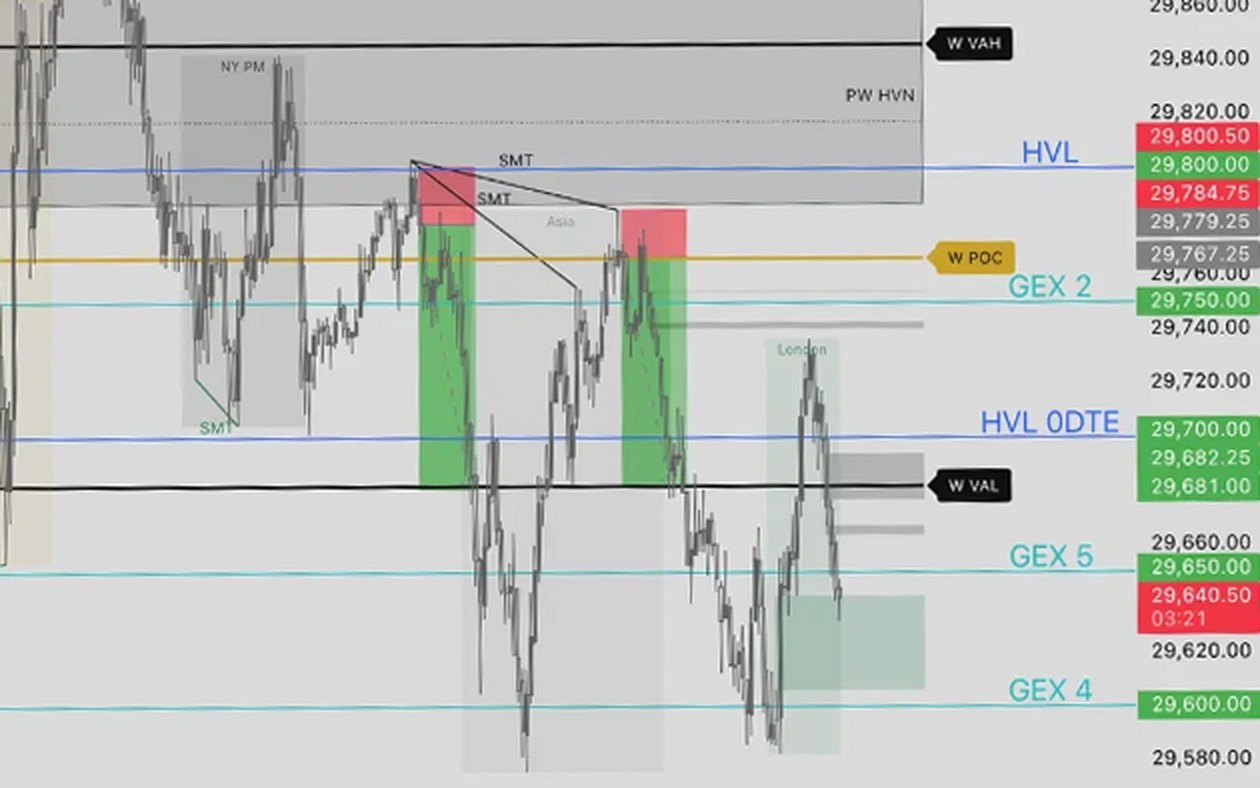
The full model on your live TradingView chart, with a Market Bias panel that reads the regime for you.
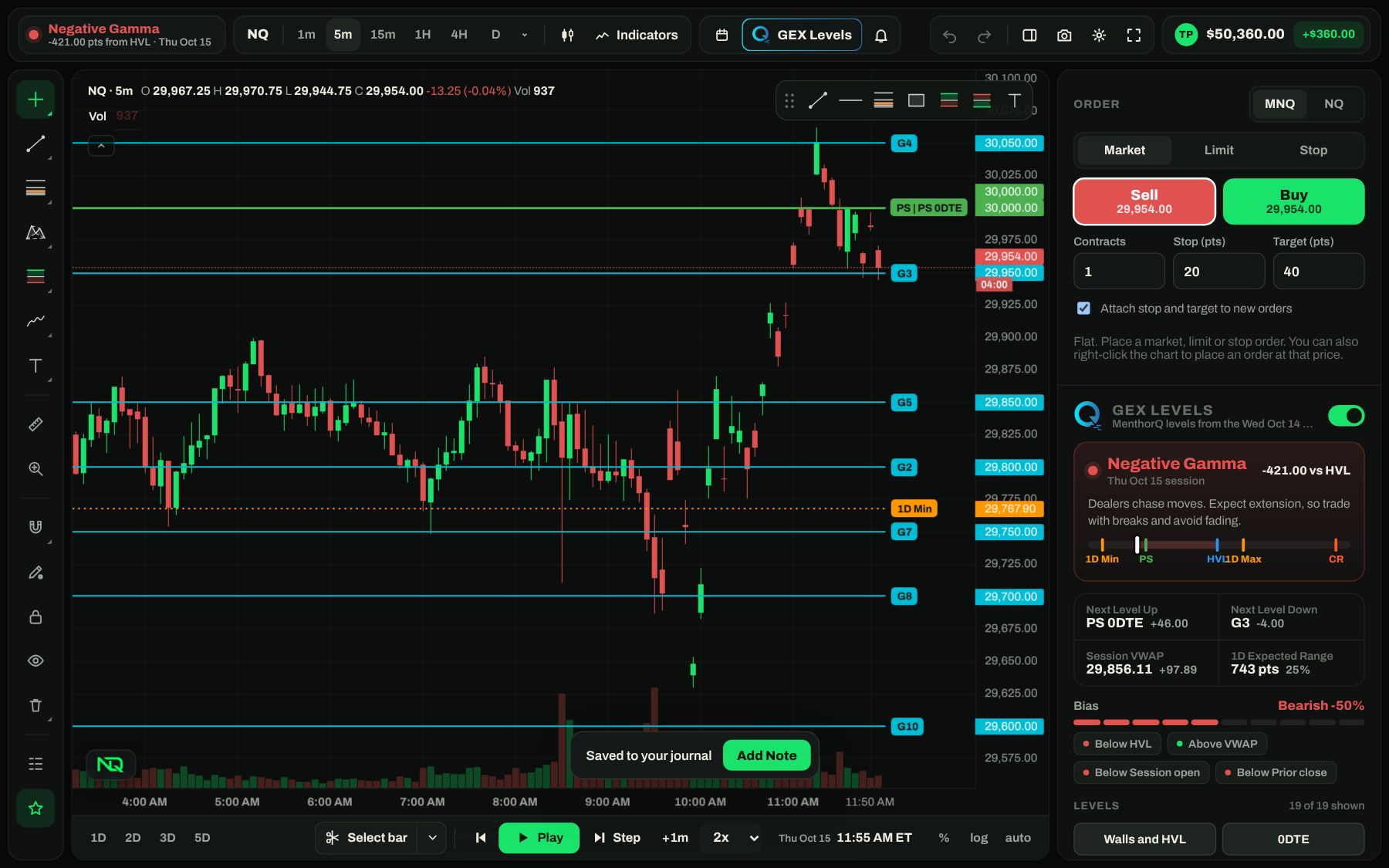
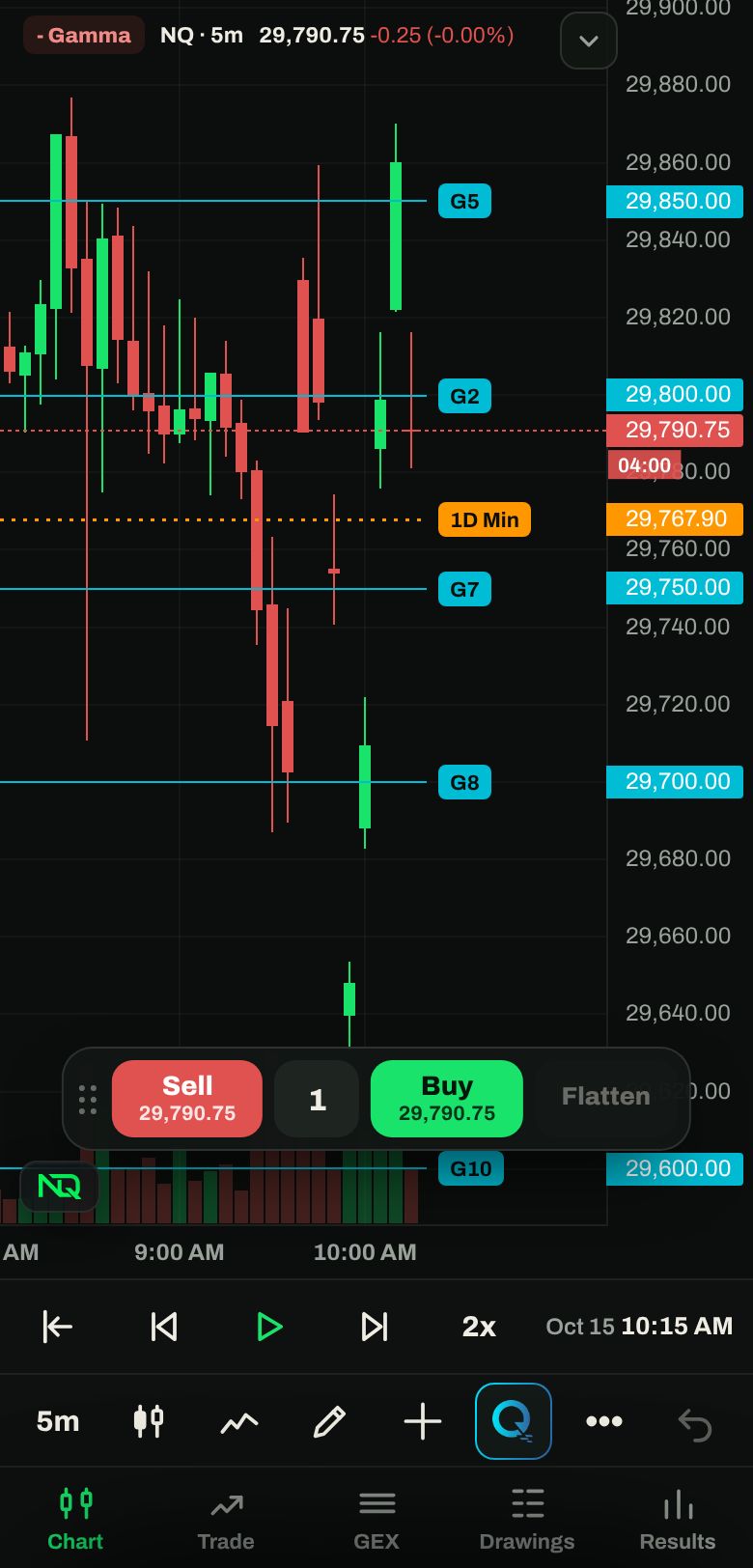
The indicator 02 Rep ItReplay any session bar by bar with the prior close's GEX levels and trade it like it's live.
The backtester 03 Review ItEvery trade tagged with its regime and distance to the levels, so you see where your edge actually is.
The journal 04 Fix ItA blueprint built around your trading, daily GEX levels and calls that hold you to it.
ProfitMaxBacktester
A charting layout you already know, built around the prior day's options levels.
Journal
Everything you'd want from a trading journal, plus the GEX read behind every trade.
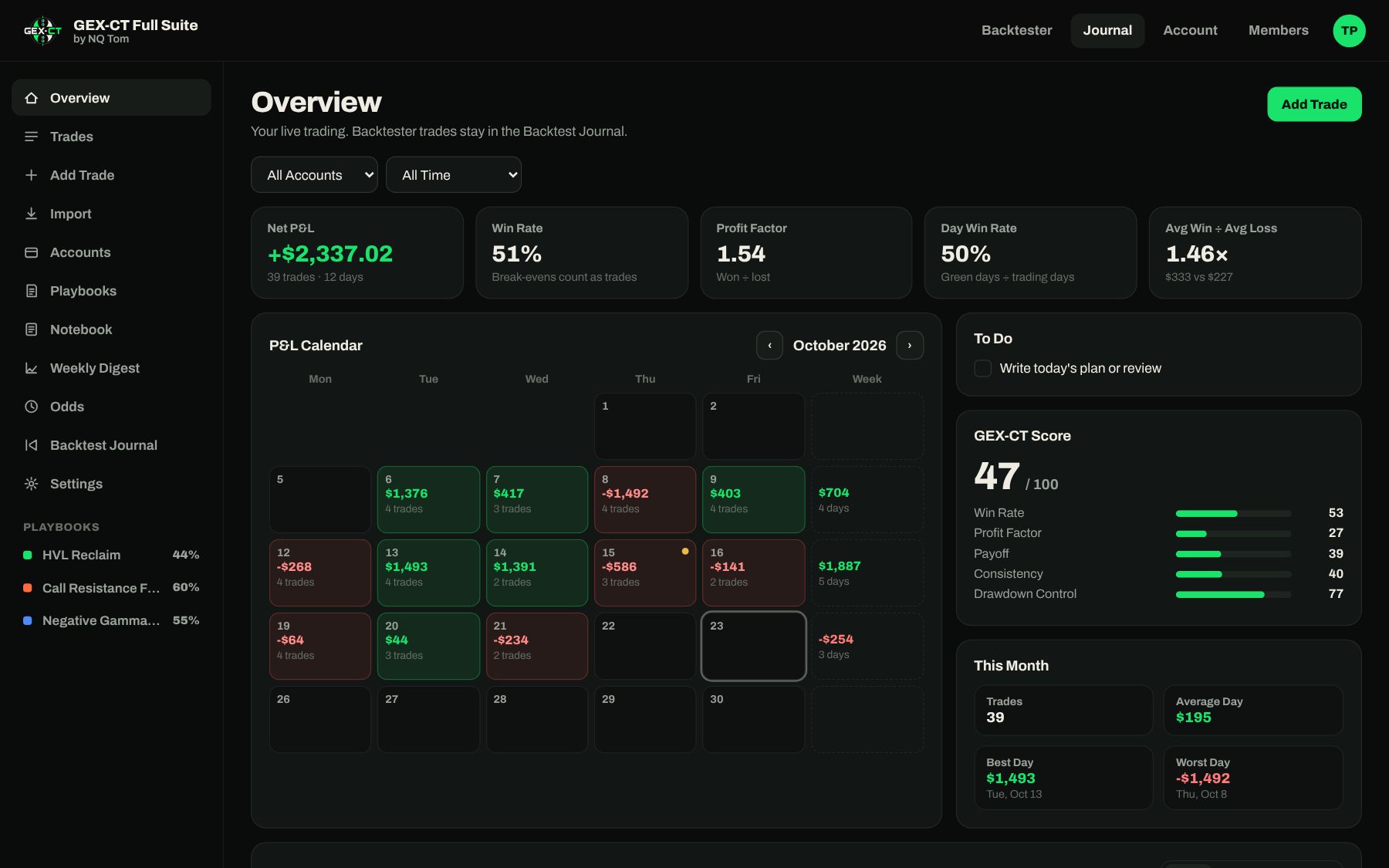
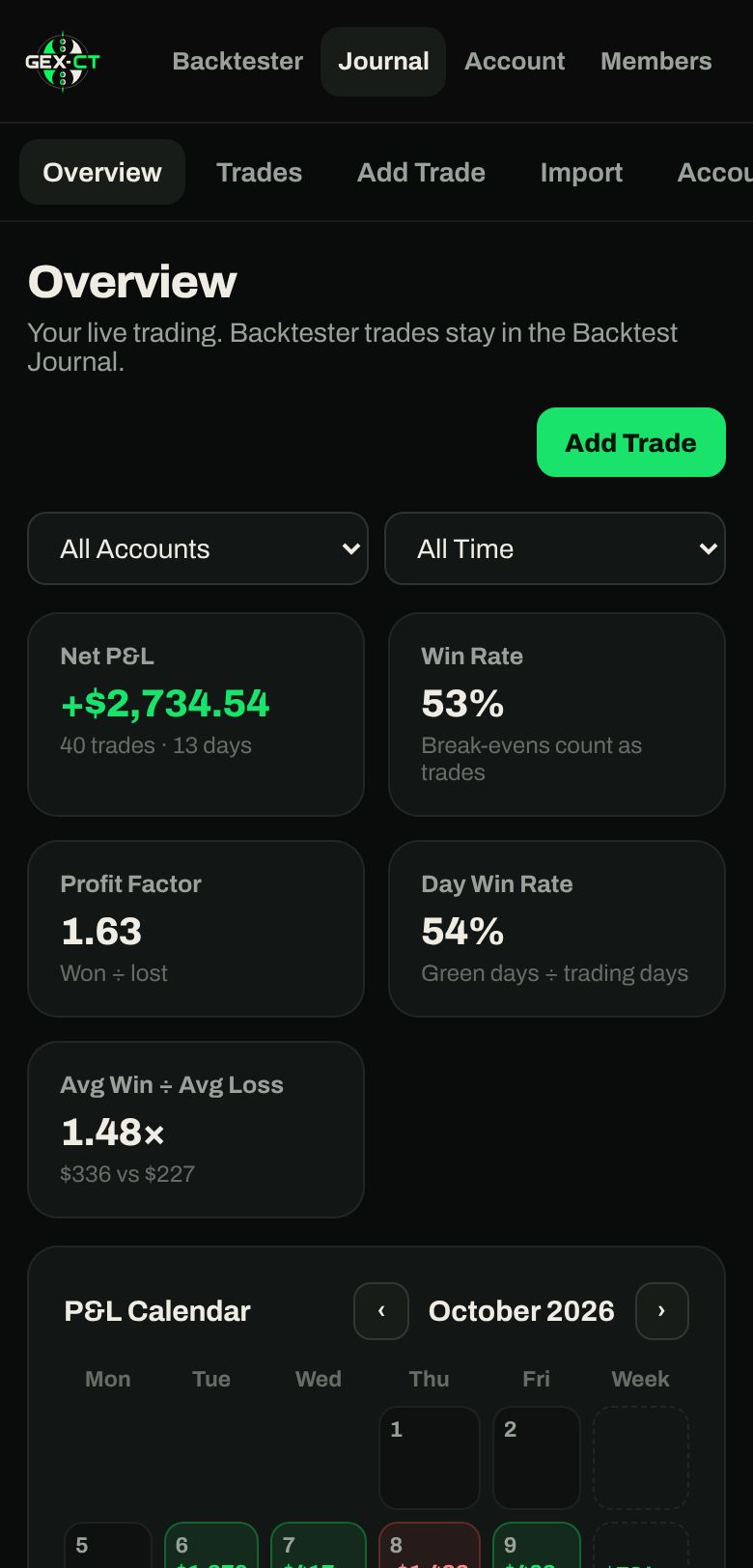
Each trade is stamped with positive or negative gamma at entry, even ones you import from your broker.
See how far each entry was from HVL and the nearest GEX level, and how those trades performed.
One 0 to 100 read of your win rate, profit factor, payoff, consistency and drawdown control.
Indicator
The full GEX-CT model on your live TradingView chart, included with the membership.
The indicator runs on TradingView, so you'll add your TradingView username after sign-up. GEX data for live trading comes from your own options data provider, or daily in the Cohort.

ProfitMax Execution Cohort
The Full Suite shows you the setups and your numbers. The Cohort finds the habits leaking money from your trading and builds an operating system around the edge you already have.
How It Works
For traders who already have a strategy and screen time, and whose results don't match their edge. Not for beginners or anyone looking for signals.
Pricing
Start with the Full Suite and put in the reps on your own. Apply to the Cohort when you want a plan and people holding you to it.
Execution diagnostic, personal blueprint, weekly group and 1-on-1 calls, daily GEX levels and all the course material.
Apply To The CohortEverything below, one price.
Free for 7 days, then billed until you cancel.
Start 7-Day Free TrialCancel anytime from your profile. Cancel before the trial ends and you won't be charged. Payments are handled by Stripe.
FAQ
It's how Tom trades NQ. ICT tells you where to look and when to get in, and GEX levels from options data tell you which of those levels have real positioning behind them. You only take the ones where both line up.
The GEX-CT | Pro+ indicator for TradingView, the NQ backtester with MenthorQ GEX levels for each session, and the full journal with import, prop accounts, playbooks, notebook, weekly digest and Odds.
The Full Suite is the software, and you use it on your own. The Cohort is the program: we go through your trades, build your blueprint, give you daily GEX levels and hold you to it on group and 1-on-1 calls. It's by application.
The backtester comes with the GEX levels for every session it replays. For live trading, the indicator plots levels from your own options data provider. Cohort members get the daily levels provided.
You get full access for 7 days. Stripe asks for a card at the start and charges it when the trial ends. Cancel from your Account page before then and you won't be charged.
After you sign up, add your TradingView username on your Account page. Access is granted to that username, and your unlock code shows on the same page.
Yes. Import a Tradovate Performance export, a fills or executions export, or any CSV with symbol and entry columns. Re-importing the same file never creates duplicates. Direct broker and prop firm sync is planned.
Yes. The backtester and journal are built for both, and your drawings, settings and journal follow your account between devices.
Open your Account page and press Cancel Plan. You keep access until the end of the period you've paid for, and your journal stays saved if you come back.
Mark it, rep it, review it. Then fix how you execute it.